
Choosing a crypto wallet: hot vs cold, and how to actually decide
Software vs hardware, custodial vs self-custody, and a practical setup that keeps daily funds handy and savings safe
Here's the sentence that reframes everything: your wallet doesn't hold your crypto. The coins live on the blockchain — your wallet only holds the keys that prove you're allowed to move them. That distinction sounds pedantic, but it's the most consequential idea in this entire industry, because it means choosing a wallet isn't about where your money sits. It's about who controls the keys, and how hard those keys are to steal. Get that right and everything else is detail.
Keys, not coins
When you "receive" crypto, nothing physically arrives in an app. The blockchain — a public ledger thousands of computers share — records that a certain address now controls certain funds, and your wallet stores the private key that unlocks that address. Control the key, control the coins. Lose the key with no backup, and the coins are stranded on the ledger forever, visible but unreachable.
This is why the recurring crypto mantra is "not your keys, not your coins." Every wallet decision below comes down to a single trade-off: how easy the keys are for you to use, versus how easy they are for an attacker to reach.
Hot wallets: convenient, connected, exposed
A hot wallet is software running on an internet-connected device — your phone, your laptop, a browser extension. Common examples include MetaMask, Phantom, Trust Wallet, Rabby, and Backpack, all of which work smoothly with Atex Hub.
Their strength is speed. You can open one in two seconds, approve a transaction, and get on with your day. That makes them ideal for small balances and frequent activity: swapping a modest amount, paying for something, signing into a decentralised app, tipping a friend.
Their weakness is baked into the word "hot": anything connected to the internet has attack surface. Phishing sites that mimic a real app, malicious browser extensions, fake "support agents," and malware on a compromised computer all target hot wallets, and people lose funds to them every single day. A hot wallet is a spending wallet, not a vault — treat the balance the way you'd treat cash in your pocket. Most of those losses trace back to a handful of avoidable tricks worth learning to spot phishing.
Cold wallets: offline, deliberate, hard to reach
A cold wallet is a hardware device that keeps your keys offline. The two best-known are Ledger (Nano S Plus, Nano X) and Trezor (Model One, Model T), typically costing between $80 and $200.
The security leap is real. Even a fully compromised computer cannot extract a key from a hardware wallet, because the signing happens inside the device — only the finished, signed transaction leaves it, never the key itself. To steal your funds, an attacker would need both physical possession of the device and your PIN.
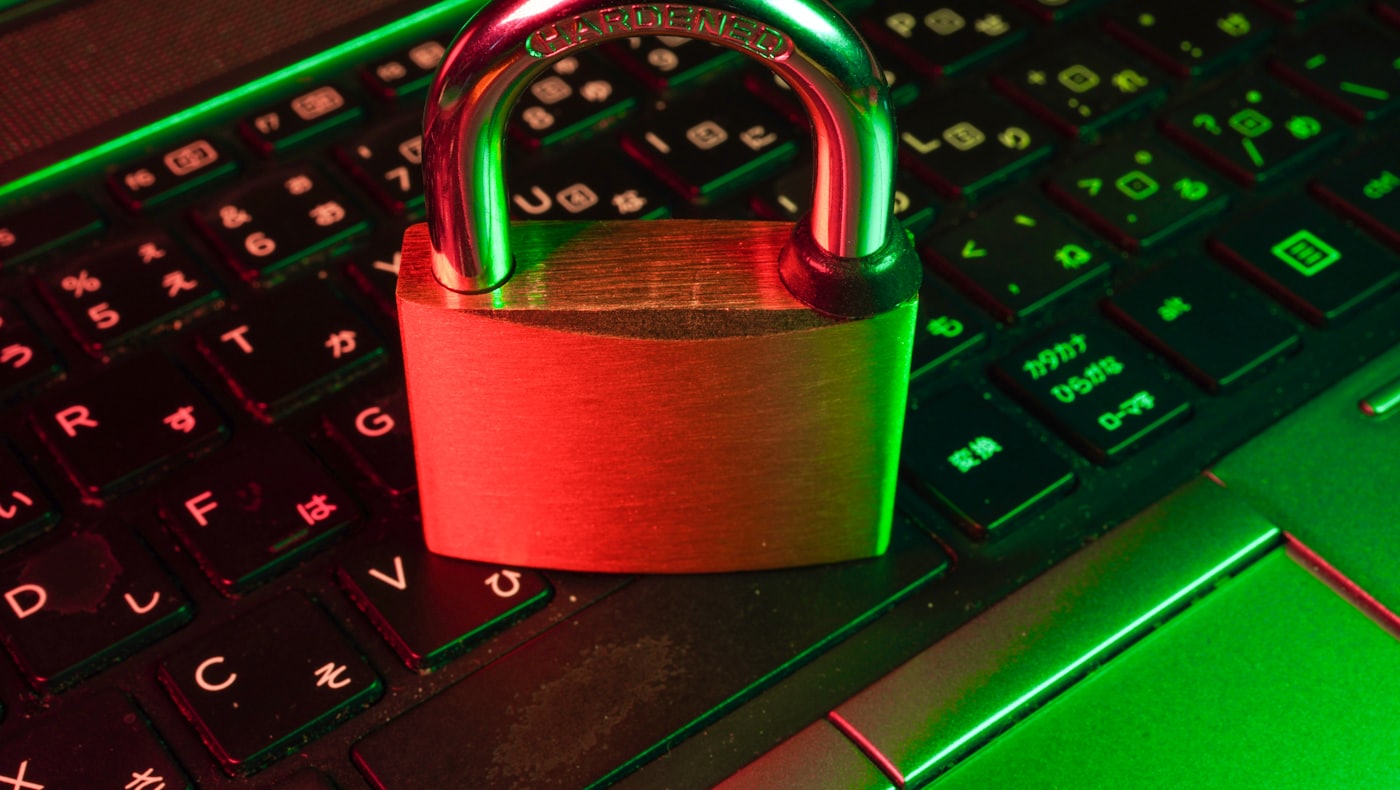
The cost is convenience. You have to plug the device in and confirm on it to sign anything, which is friction by design — that friction is precisely what protects you. You also carry full responsibility for the seed phrase, the list of recovery words that restores your wallet if the device is ever lost or destroyed. That phrase is the ultimate key, which is why you should never share your seed phrase with anyone, for any reason.
A pragmatic setup for most people
You don't have to choose one or the other — the sensible approach uses both, each for what it's good at:
- Hot wallet for daily use. Phantom for Solana, MetaMask or Rabby for Ethereum, and so on. Keep a working balance — maybe $100 to $1,000, whatever you'd be willing to lose to a bad click. Use it for swaps, dApps, and everyday transactions.
- Cold wallet for savings. A Ledger or Trezor holds the bulk of your funds. When your hot balance grows past a level you'd be uncomfortable losing, move the excess to cold storage.
The elegant part with a non-custodial swap: when you make a large swap on Atex Hub, you can send the payout directly to your cold wallet's address. There's no need to route it through the hot wallet first — the funds land in cold storage the moment the swap settles.
Mobile vs desktop, extension vs app
Among hot wallets, the platform matters more than people expect. Mobile wallets (Phantom mobile, Trust Wallet) are generally safer than browser-extension wallets, because modern phone operating systems sandbox apps aggressively — one app can't easily rummage through another. The trade-off is that interacting with some dApps on mobile is clunkier.
On desktop, browser extensions are convenient but live inside the browser alongside every site you visit and every other extension you've installed. If you use one, Rabby is a meaningful upgrade over the older MetaMask experience, with clearer transaction previews and built-in phishing warnings that catch a lot of bad approvals before you sign them.
Custodial "wallets" are not self-custody
This is the distinction that trips up beginners most. Some apps labelled "wallet" don't actually give you the keys. Funds held inside a centralized exchange, and some app-store products that manage keys on your behalf, are custodial — the company controls the keys, and if it freezes your account or fails, you have no independent way to move your money. They're convenient, and they're legitimate, but they are not self-custody.
There's a simple test to tell the difference: does the wallet show you a seed phrase that only you see and write down? If yes, you hold the keys — it's self-custody. If there's no seed phrase, or the company can "recover your account" for you, then someone else holds the keys. Neither is wrong, but you should always know which one you're using. This is the heart of self-custody.
What Atex Hub needs from your wallet: nothing
Worth stating plainly, because it's unusual: Atex Hub never connects to your wallet. We don't ask you to link it, sign a message, or grant any permission. You paste a destination address, send a deposit from your wallet to the address we display, and the converted funds arrive at your destination. Three independent on-chain transactions, with no software link between our service and your wallet.
That's deliberate. The fewer permissions a service holds over your wallet, the less it can ever misuse — and the fewer approval prompts you sign, the fewer chances a malicious one has to slip through.
Common mistakes when choosing a wallet
- Keeping everything in a hot wallet. Convenient until one bad click empties it. Split daily funds from savings.
- Screenshotting or cloud-storing the seed phrase. Write it on paper. A photo in your camera roll or cloud drive is a photo an attacker can reach.
- Assuming an exchange balance is a wallet. If there's no seed phrase only you hold, you don't control the keys.
- Buying a hardware wallet second-hand or from an unofficial reseller. Only buy direct from the manufacturer; a tampered device is a trap.
Quick answers
Do I need a hardware wallet to start? No — a reputable hot wallet is fine for small amounts. Add a hardware wallet once you're holding more than you'd be comfortable losing to a single mistake.
What happens if I lose my hardware wallet? Your funds are safe as long as you have the seed phrase. Restore it onto a new device and the wallet — and its balance — comes back. Lose both device and phrase, and the funds are gone.
Is a wallet inside an exchange good enough? It's convenient, but it's custodial — the exchange holds the keys. For real ownership, use a wallet that shows you a seed phrase only you control.
Which wallet works with Atex Hub? Any of them. Because we never connect to your wallet, you simply send from whatever wallet you use and receive to whatever address you choose.
The takeaway
Choosing a wallet isn't about where your coins sit — they always live on the blockchain — it's about who controls the keys and how reachable those keys are. Use a hot wallet for the small, active balance you transact with, keep the bulk in a cold wallet offline, and never mistake a custodial exchange balance for self-custody: if there's no seed phrase only you hold, you don't hold the keys. Guard that phrase like the vault key it is, buy hardware only from the maker, and you can move funds — including swaps sent straight to cold storage — with genuine ownership and real peace of mind.